Stop These Habits Now to Extend Your SSD's Lifespan
Avoid common habits that shorten your SSD's lifespan. Stop excessive writes, filling drives, defragmenting, and disabling TRIM to extend your SSD longevity.
Page views: 2
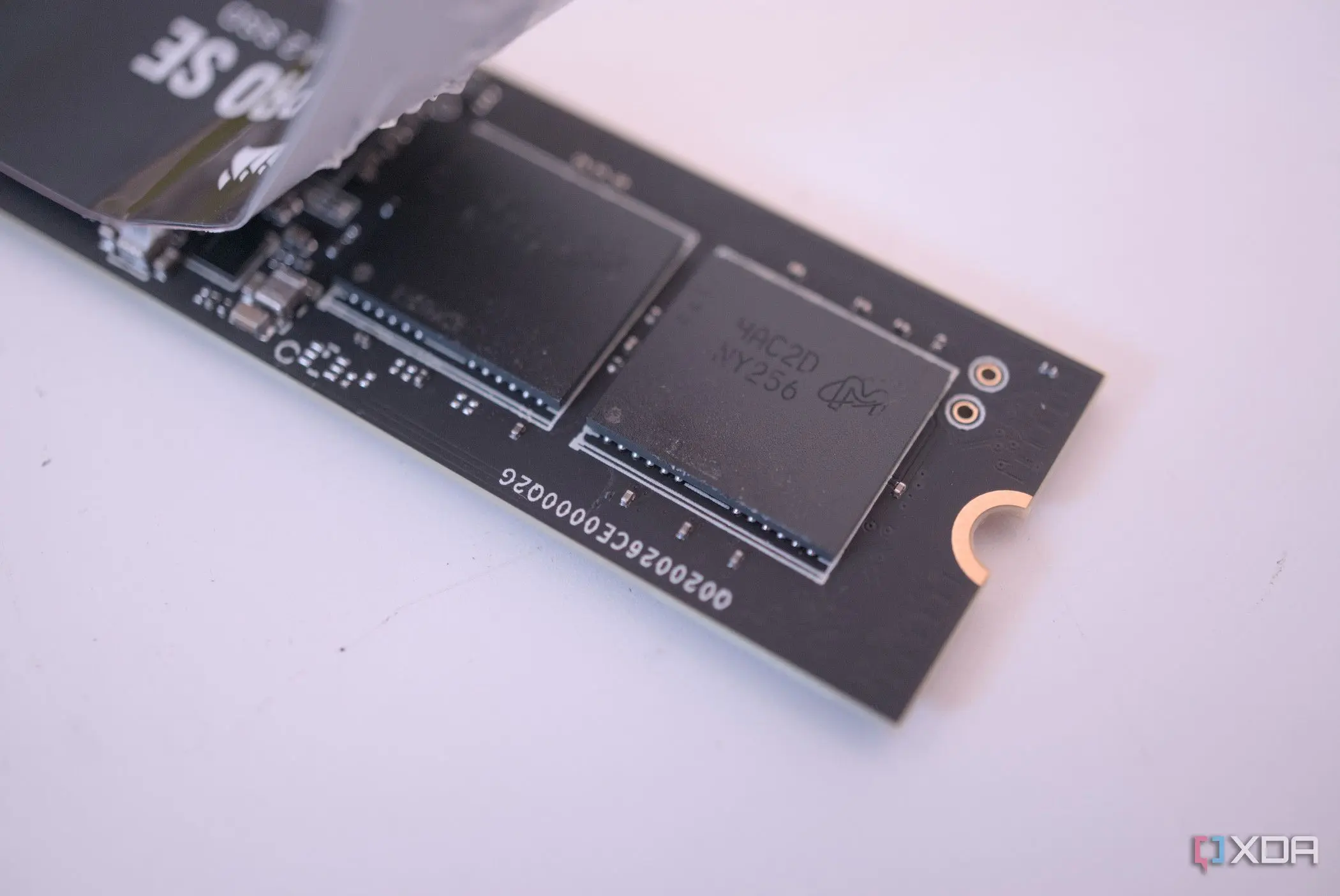
Solid-state drives (SSDs) are fast, reliable, and now common in laptops and desktops. But despite their durability, SSDs have finite write cycles. If you want to extend your SSD lifespan, stop these common habits now and adopt a few best practices.
Avoid unnecessary writes. Heavy, continuous writes from tasks like excessive logging, torrenting to the SSD, or using it for scratch space can accelerate wear. Move large, frequently changing files to a secondary HDD or an external drive, and configure apps to store temp files on other media when possible.
Don't fill the drive to capacity. SSDs need free space for wear-leveling and overprovisioning. Running an SSD at 90–100% capacity increases write amplification and slows performance. Aim to keep 10–20% free to help the controller distribute writes evenly and prolong the drive’s life.
Never defragment an SSD. Defragmentation is designed for HDDs and causes massive unnecessary writes on SSDs, reducing their lifespan. Modern operating systems handle SSD optimization automatically; leave defragging switched off and let TRIM and the controller do their jobs.
Enable TRIM and keep firmware updated. TRIM informs the SSD which blocks are no longer in use, improving performance and reducing wear. Check that TRIM is active in your OS and install firmware updates from the manufacturer to fix bugs and improve drive longevity.
Prevent overheating and sudden power loss. High temperatures and abrupt shutdowns can damage SSD health. Ensure proper airflow, avoid blocking vents, and use a UPS for desktop systems to guard against power outages.
Avoid frequent full-disk backups to the same SSD and unnecessary benchmark stress tests. Use incremental backups and perform synthetic benchmarks sparingly—these operations create many writes without benefit to day-to-day use.
Simple habits make a big difference. Keep firmware current, enable TRIM, maintain free space, and minimize unnecessary writes. With these steps, you’ll extend SSD longevity and get the most from your solid-state drive for years to come.
Published on: January 29, 2026, 9:02 am